
Clean up your WordPress admin - without changing permissions.
Hide unnecessary admin menus and top bar items for specific users or roles using pure backend logic.
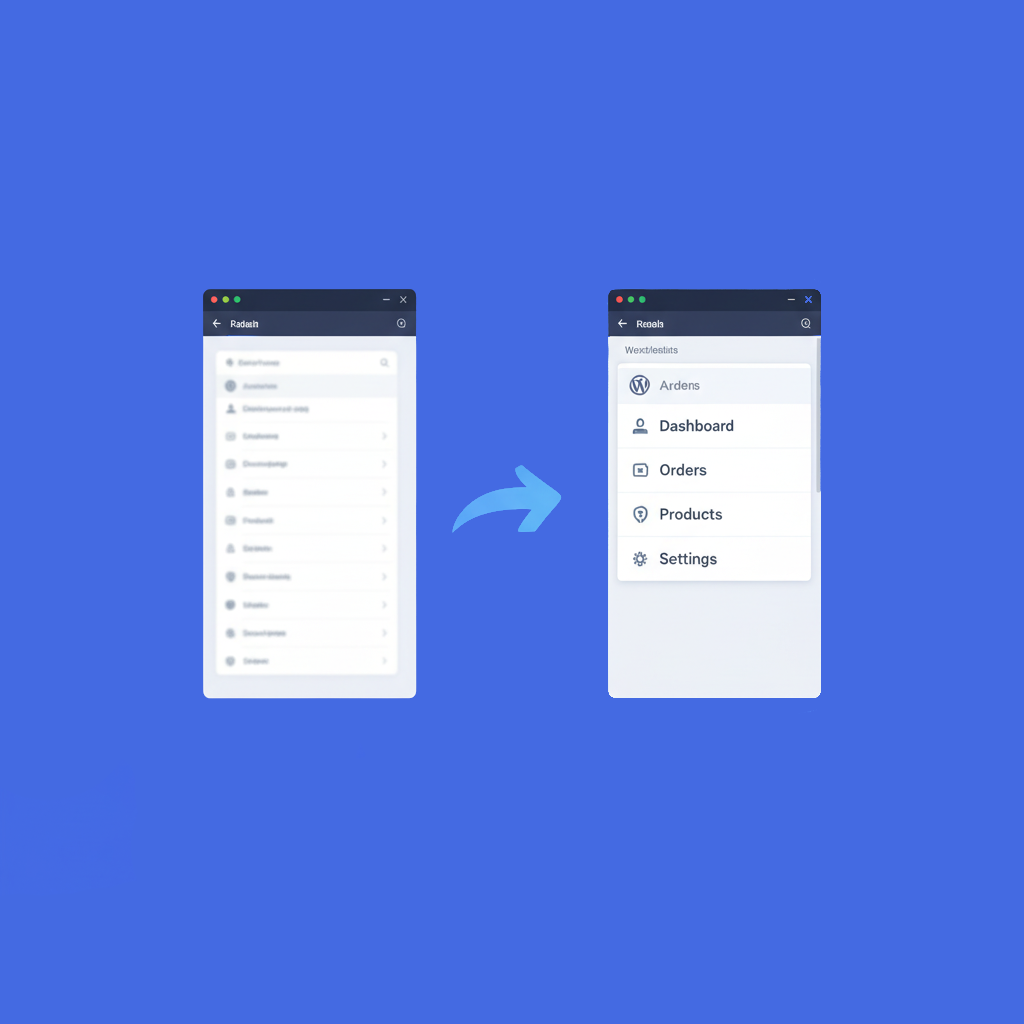
The Problem
As WordPress sites grow, the admin dashboard becomes cluttered:
- ×Too many plugin menus
- ×Confusing options for editors & junior admins
- ×Risk of accidental changes
- ×Slower workflows and reduced focus
Most existing solutions rely on CSS hiding (insecure) or complex role editors (risky).
The WPSwim Approach
Admin Visibility Control focuses only on visibility.
What You Can Do
Comprehensive control over the WordPress admin interface.
Hide Admin Sidebar Menus
Remove unwanted admin menu items using WordPress core hooks. Menus are not rendered, no flicker.
Hide Admin Top Bar Items
Clean up the admin toolbar. Remove plugin clutter and hosting menus.
Per User or Per Role
Apply rules to a specific user or an entire role. Simple selection - no confusion.
Safe by Design
We don't change roles or capabilities. If a user has access, they keep it visibly hidden.
Free vs Pro
Free Version
Available on WordPress.org
- Hide up to 3 sidebar menus per user/role
- Hide up to 3 top bar items per user/role
- Clean UI with usage counters
- One-click "Show All" reset
Pro Version
- Unlimited menu & top bar hiding
- Per user and per role rules
- Rename admin menu items
- Change menu target URLs
- Block direct URL access (advanced safety)
- Priority support & Updates
Secure payment via Stripe · Cancel anytime